
What Jefferson County Court Dockets Show
A docket is the court's schedule and event index for a case. In Jefferson County, docket entries can identify the court type, division, hearing date, date range, case number, case class, party names, business names, and attorney search data. The public docket helps a user find when a case is set, but it should not be treated as a complete court record. A docket entry may confirm that a hearing, motion, order, or disposition exists, while the underlying document still has to be requested from the Clerk of Court.
Jefferson County court dockets are tied to the Colorado court hierarchy. District Court handles felony, civil, domestic-relations, probate, juvenile, mental health, and appeals matters. County Court handles misdemeanors, traffic infractions, small claims, protection orders, felony complaints before transfer, and county-court civil matters. Municipal court dockets for city ordinance or city traffic matters may sit outside Jefferson Combined Court, so the issuing court named on the ticket or summons matters.
The docket is also the practical bridge between a name search and a records request. If a user does not know the case number, the docket search can help identify the filing year, case class, sequence, court type, and division. Those details make the later request for a complaint, order, decree, register of actions, or certified copy more accurate.
| Court | Docket Role | Local Note |
|---|---|---|
| District Court | Felony, civil, family, probate, juvenile, mental health, and appeals events. | Use District Court or Both when the case class is unknown. |
| County Court | Misdemeanor, traffic, protection order, small claims, and lower civil events. | Many traffic and misdemeanor dockets appear here. |
| Municipal Courts | City ordinance, city traffic, and municipal bench-warrant matters. | Check the city court named on the citation. |
How to Find Jefferson County Dockets
The official online channel is the Colorado Judicial Branch docket search. The search page says at least one filter in addition to date is required. For Jefferson County court dockets, choose 1st Judicial District, Jefferson Combined Court, and the court type if known. Add a case number, person name, business name, or attorney filter to avoid a broad result set.
- Open the statewide docket search and choose 1st Judicial District.
- Select Jefferson Combined Court from the courthouse options.
- Choose County, District, or Both, then set the date range.
- Enter the case number fields if known, or search by party, business, or attorney.
- Use the docket result to confirm the hearing event, then request documents through the court record form when needed.
The docket form is built for schedule lookup. It can be searched by case number pieces, parties, business names, or attorney details, but it is not a document download portal.
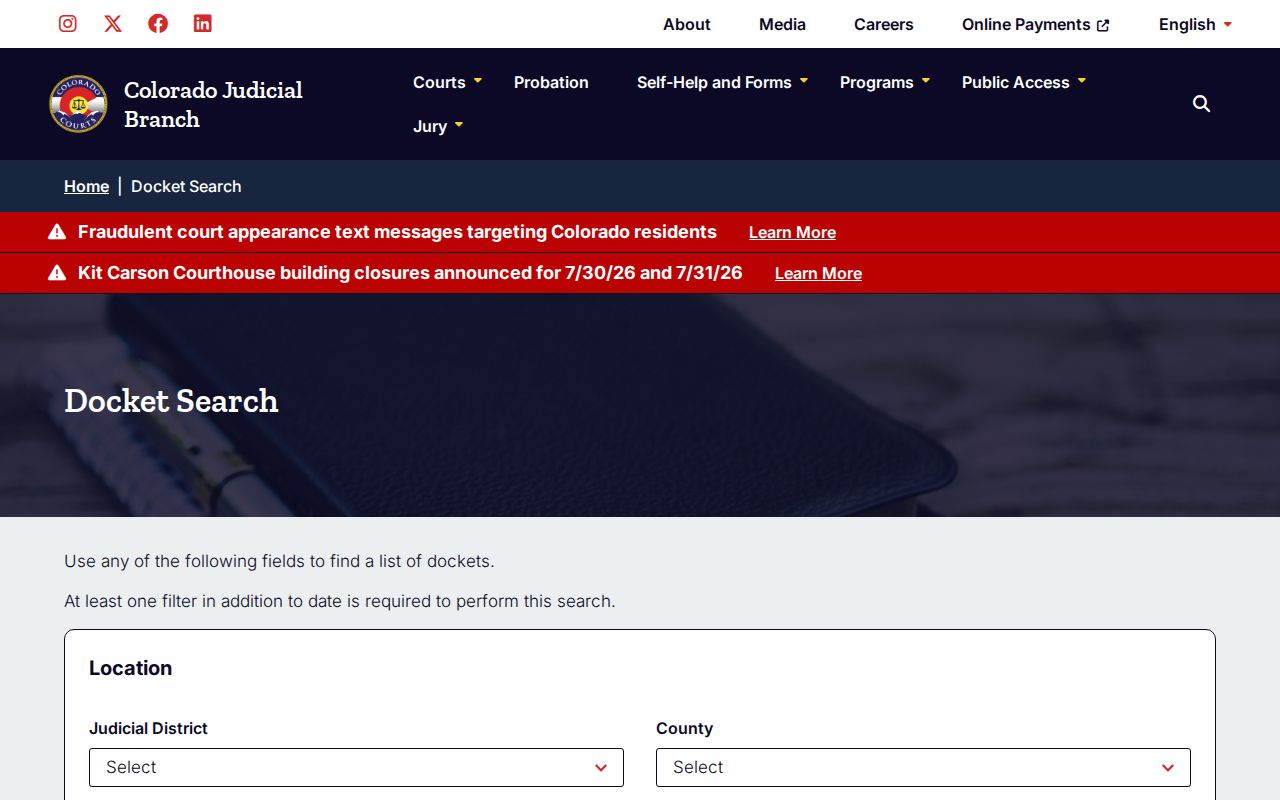
The docket search page is the best first stop when the user needs a Jefferson County hearing date or division before contacting the clerk.
Jefferson County Docket Search Fields
The docket search fields reveal how Colorado indexes public court schedules. The case number is split into a four-digit year, case class, and sequence. Party search supports individual and business names. Attorney search supports attorney name or bar number. Date range remains central because the docket is a calendar-style tool.
For Jefferson County court dockets, the field choices also help separate similar names. A last-name search may find too many events unless the user adds a first name, business name, case class, attorney, or shorter date range. A known attorney bar number can be more precise than a party name when a case involves a common surname or a business party.
| Field | What It Shows |
|---|---|
| Judicial District | Choose 1st Judicial District for Jefferson County and Gilpin County courts. |
| Courthouse | Use Jefferson Combined Court for local District and County Court dockets. |
| Court Type | Both, County, or District. |
| Division | Division number or courtroom assignment where known. |
| Date Range | Today, 1 Week, 1 Month, 3 Months, 6 Months, or Specific Date. |
| Case Class | C, CR, CV, CW, DR, JD, JV, M, PR, R, S, or T. |
| Party | Individual first and last name or business name. |
| Attorney | Attorney bar number or attorney first and last name. |
Common case classes help interpret the result: CR can indicate felony criminal, M misdemeanor, T traffic, DR domestic relations, PR probate, JV juvenile, and S small claims. Juvenile and protected matters may not display like ordinary public dockets.
Jefferson County Courts With Dockets
Jefferson Combined Court is the local trial-court location for Jefferson County District Court and Jefferson County Court. The county government court page says the Colorado State Judicial Branch operates all Jefferson County court functions. Local municipal courts may handle city ordinance cases, some city traffic cases, and municipal bench warrants, so those dockets should be checked with the city court if the case was not filed in Jefferson Combined Court.
- District Court dockets can include felony, civil, family, probate, juvenile, mental health, and appeal settings.
- County Court dockets can include misdemeanors, traffic, small claims, protection orders, and civil matters under county-court jurisdiction.
- Municipal court dockets can include city ordinance and city traffic matters in Arvada, Golden, Lakewood, Wheat Ridge, Westminster, Edgewater, or another city court.
- Federal dockets are not county court dockets and route through PACER or federal CM/ECF systems.
The Colorado State Courts Data Access portal is a separate public-data source. It states that it contains only court data and does not contain case documents.
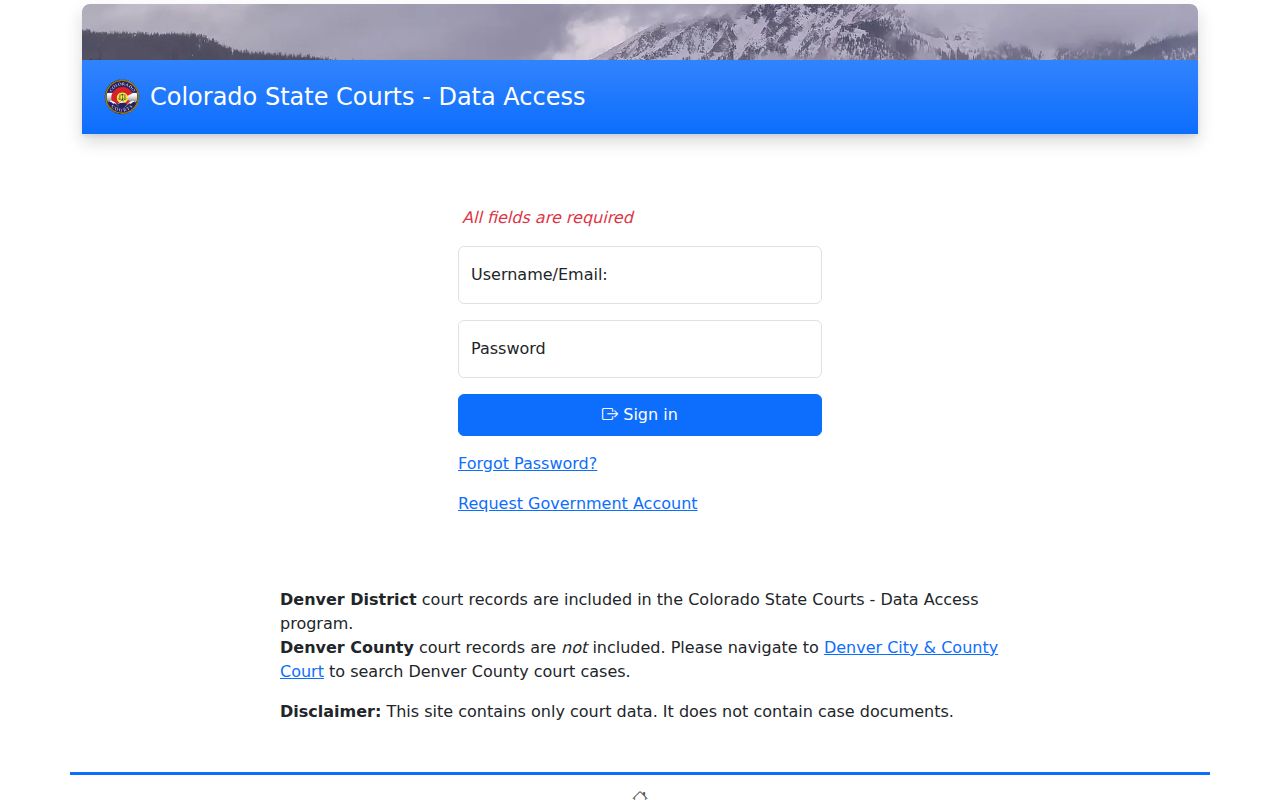
State Courts Data Access can supplement a Jefferson County docket lookup, but document copies still require the record/document request process.
Docket vs Full Case Record
A Jefferson County court docket is an index and schedule. The full case record is the file behind that schedule. For example, a docket may show that a disposition hearing or sentence order exists. The actual disposition/sentence order is requested through the Judicial Branch record/document request form or through the Clerk of Court records counter.
| Question | Docket | Full Case Record |
|---|---|---|
| Primary use | Find hearing and event information. | Review pleadings, orders, decrees, dispositions, or certified copies. |
| Online access | Statewide docket search. | Request form, email, mail, or in-person records counter. |
| Documents | Not a document image source. | May include public document copies subject to fees and restrictions. |
| Restrictions | May omit protected or sealed data. | May require ID, court order, or redaction. |
Note: A screenshot of a docket is not a certified court record and may not be accepted for official use.
Read Jefferson County Docket Entries
Start with the case class and court type. A CR case in District Court suggests a felony criminal matter, while an M case in County Court points to a misdemeanor. A T case points to traffic, DR to domestic relations, and PR to probate. The division field can identify the courtroom or judicial division, while attorney fields can help confirm that the right party was found.
Colorado also provides public livestream access for some proceedings. The Colorado Judicial Branch livestreaming portal warns that recording, reproducing, screen-capturing, photographing, or otherwise copying court livestreams is prohibited without prior written authorization and may lead to contempt sanctions. Livestream access is for viewing, not for creating a personal court record.
Interpreter requests, jury details, payment questions, and collections are handled through separate court contacts, even when the docket identifies the hearing. The docket should be used to verify the case event first, then the correct court office can be contacted for the next task.
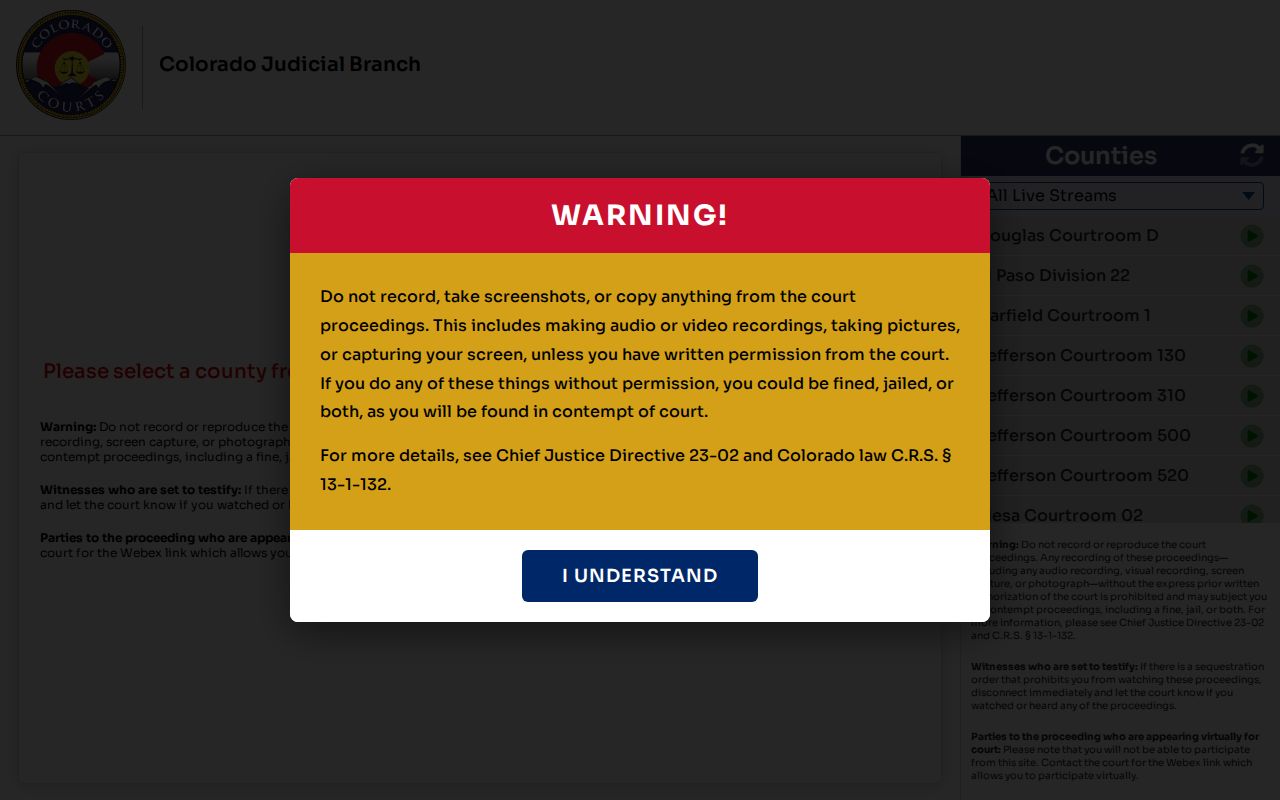
The livestream portal can help with remote observation when allowed, but it does not replace the docket search or Clerk of Court record request channels.